
Space
The solar system in 3D, with real positions
Space shows the Sun, planets, Moon, Pluto, Chiron and the major planetary moons in their calculated positions at your selected time.
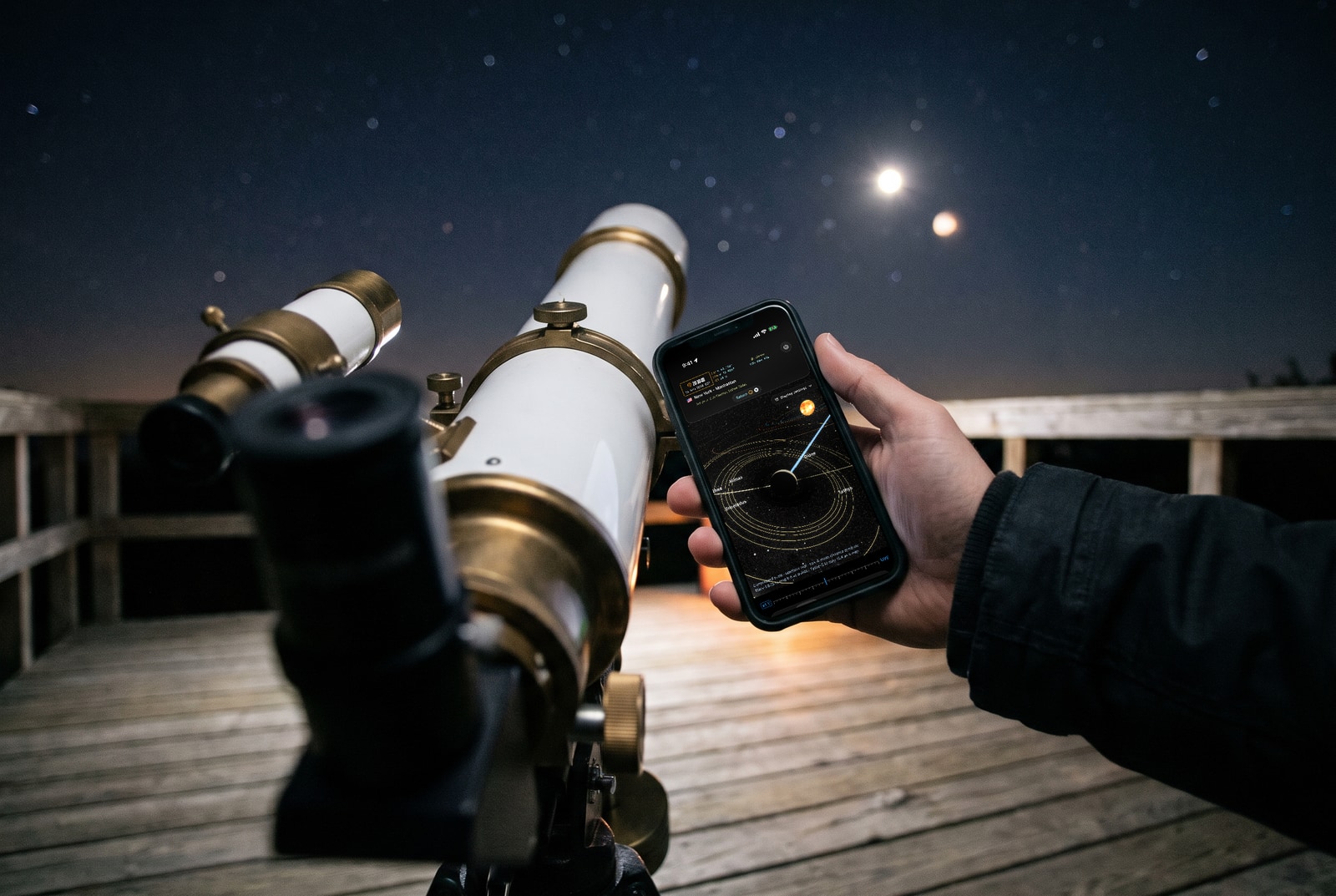
- Where is Earth relative to Mars?
- Why is Venus sometimes the morning star and sometimes the evening star?
- How do the orbits fit together?
- What does the system look like at true scale?
Real positions, clearly explained sizes
Positions come from the app’s orbital calculations. Bodies are displayed at symbolic sizes so that you can see them; the view tells you this explicitly.
Compressed distances or true scale
Compressed distances fit the system on your screen. True scale reveals just how much empty space lies between the planets.
Reference planes and grids
Show the ecliptic, the plane of Earth’s orbit, together with the celestial equator and your local horizon, coordinate grids, orbit colours and faint background stars.
Move through time
Use the time control to move every body forwards and backwards, and watch conjunctions and oppositions take shape.
| Bodies | Sun, eight planets, Moon, Pluto, Chiron, planetary moons |
|---|---|
| Scale | compressed or true |
| Planes | ecliptic (heliocentric), equator (geocentric), horizon (topocentric) |
Explore Space with one-finger navigation for free. Two-finger zoom, true scale, reference planes, grids and orbit colours are part of the full version.
Frequently asked questions
Are the planets shown to scale?
Their positions are calculated, while body sizes are enlarged symbolically so they remain visible. True scale preserves the distances between them.
Can I change the time?
Yes, with the time control or date selection in the full version.
Which moons are shown?
Earth’s Moon and the major moons of Jupiter and Saturn.
Learn more in the guides
Download Apphemeride
Free to download. The Sun and Moon are always free. Unlock the remaining features with the full version: a one-time purchase after a three-day trial, with no subscription.